How to log in to Neutrino+ safely
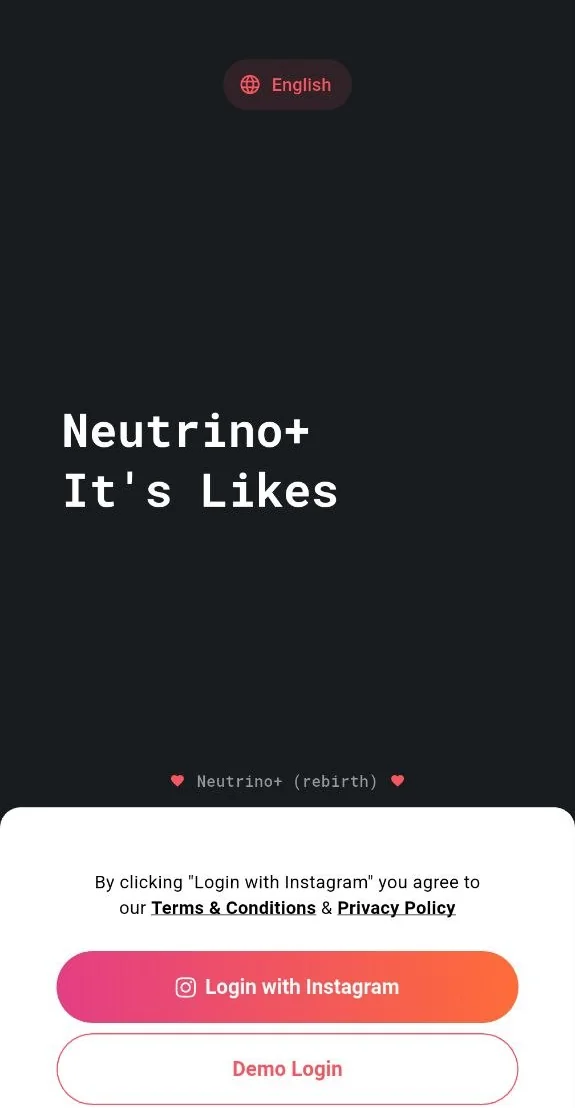
Logging in to Neutrino+ takes a minute, but a few details decide whether it goes smoothly and how safe your main account stays. This guide covers all of them.
Use mobile data for the first login
Switch off Wi‑Fi and log in over mobile data, at least the first time. Instagram looks at the network you sign in from, and a phone on its own mobile connection is the most ordinary case there is. Public or shared Wi‑Fi (an office, a café, a hostel) is where unexpected security checks happen most often.
An email or SMS check is normal
Sometimes Instagram sends a code to your email or by SMS right after you enter your password. This is Instagram's own check for a login from a new place or device, not something Neutrino+ triggers or can skip. Enter the code the way you would in any browser and the login completes. If you log in to the same account on a second phone, expect the check again.
You log in to Instagram, not to Neutrino+
The login screen inside the app is a regular browser page served by Instagram. Your username and password go from that page straight to Instagram's servers, exactly as they would in Safari or Chrome.
Neutrino+ does not receive your password and does not send it anywhere. The app only keeps the session that Instagram gives back after a successful login, on your phone, so it can act for you (like, follow, watch) without asking you to sign in again. Logging out inside the app ends that session.
Set up a second account for earning
Earning crystals means liking, following and watching for other members, often many times a day. We recommend doing that from a second account, not from the one you are growing:
- Create a second Instagram account and fill it in like a real one: a photo, a bio, a few posts.
- Keep it alive: post now and then, follow some accounts you actually like.
- Log in to Neutrino+ with it and earn crystals there, manually or with AutoBot.
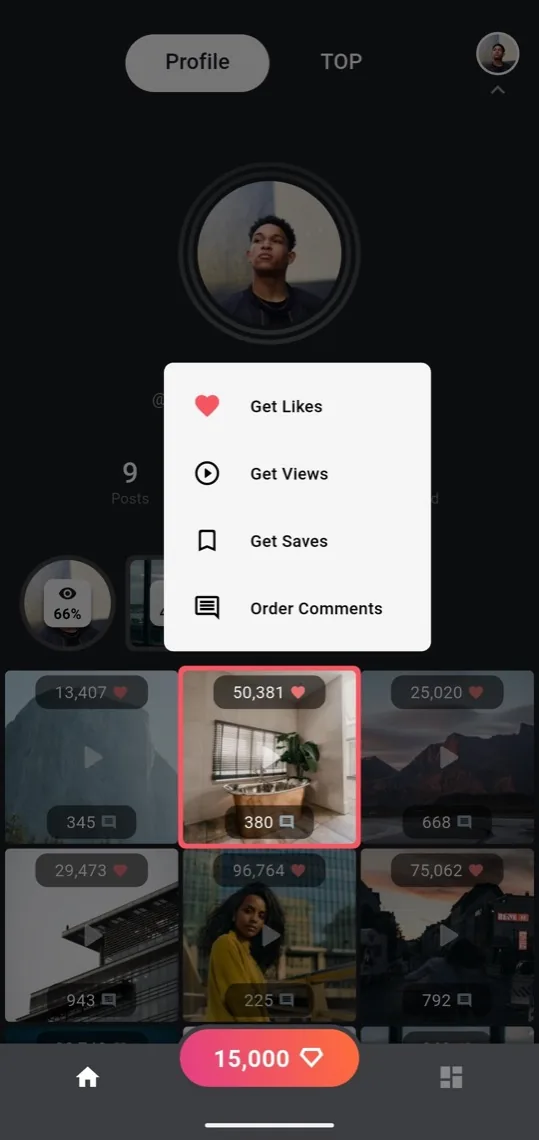
Your main account never has to be logged in to the app. To grow it, add it to Bookmarks and order likes, views, comments or time in TOP for it from your earning account. If you have several earning accounts, crystal transfers let you pool everything in one place.
If the login fails
- Try again on mobile data, with Wi‑Fi off.
- Check the email or SMS from Instagram and enter the code.
- Open Instagram's own app and confirm "it was me" if it asks about a new login.
- Wait an hour before retrying if Instagram says "try again later". Repeated attempts in a row only make the wait longer.